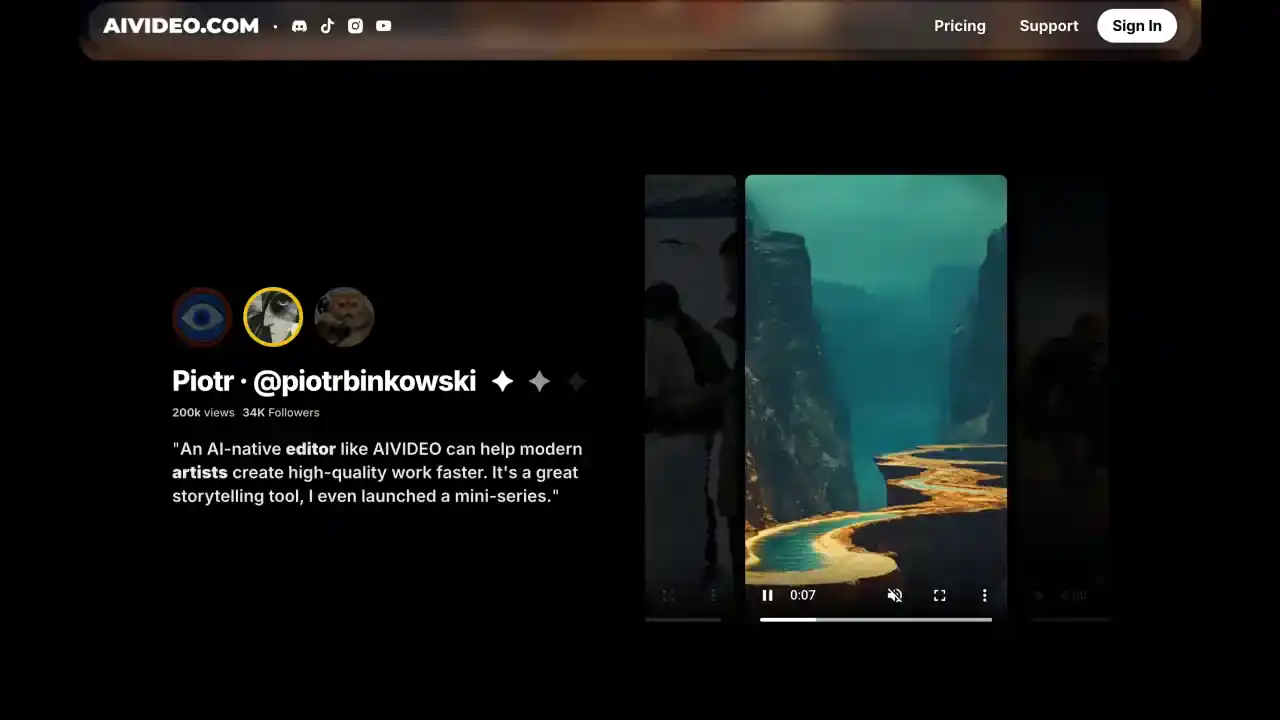
Key Features of AIVideo.com
- AI-Powered Video Creation
AIVideo.com uses smart AI to turn your text into engaging videos. This is super helpful for marketers and teachers who want to create more content without spending hours on it. - Customizable Templates
You can choose from lots of different templates for various themes and styles, so your videos match your brand and really connect with your audience. - AI Voiceover Options
Add professional-sounding AI voices to your videos without hiring a voice actor. They support tons of languages too, so you can reach people all over the world. - Easy-to-Use Editing Tools
AIVideo.com keeps editing simple with user-friendly tools like text overlays and subtitles. You don't need to be a video pro to make your content look good. - Multi-Platform Sharing
Once your video is done, you can share it everywhere - social media, your website, wherever. This helps you get your content in front of more people with less effort.
Autopilot Shorts vs. AIVideo.com
- Customization and Control
Both tools turn text into videos, but Autopilot Shorts gives you more ways to make it your own. You can pick art styles and use better voice models, so you have more control over how everything turns out. - Platform Integration
Autopilot Shorts really shines when it comes to sharing your videos. It can post automatically to TikTok and YouTube, while AIVideo.com is more focused on just creating the videos, not distributing them. - Creative Flexibility
With Autopilot Shorts, you can preview your videos and tweak things manually, giving you more flexibility and precision. AIVideo.com does more automatically, which is faster but gives you less hands-on control.
Who Can Benefit from AIVideo.com?
- Digital Marketers
If you're a marketer looking to turn your blog posts and other written content into engaging videos that boost your campaigns, AIVideo.com is for you. - Educators
Teachers and trainers who want to create video lessons without the learning curve of professional video editing will love how simple AIVideo.com makes things. - Content Creators
Creators who want to make professional-looking videos without spending years learning complex editing software will find AIVideo.com super helpful.
AIVideo.com Pricing
AIVideo.com has a few different pricing options depending on what you need:
- Basic Plan: For $15 a month, you get the standard features. This works well if you're just getting started or don't need to make tons of videos.
- Pro Plan: At $35 monthly, you get more features and can export more videos. Good for people who create content regularly.
- Enterprise Plan: Custom pricing for businesses that need to create lots of videos and want dedicated support.
Alternatives to AIVideo.com
Take a look at Autopilot Shorts if you want better customization options and the ability to post your videos automatically. There are other video tools out there too, but they don't have all the cool features that Autopilot Shorts offers.
Conclusion
AIVideo.com is great if you want a quick and easy way to turn text into videos. But if you need more control and better distribution, Autopilot Shorts is probably the better choice with its advanced customization and ability to post directly to multiple platforms.