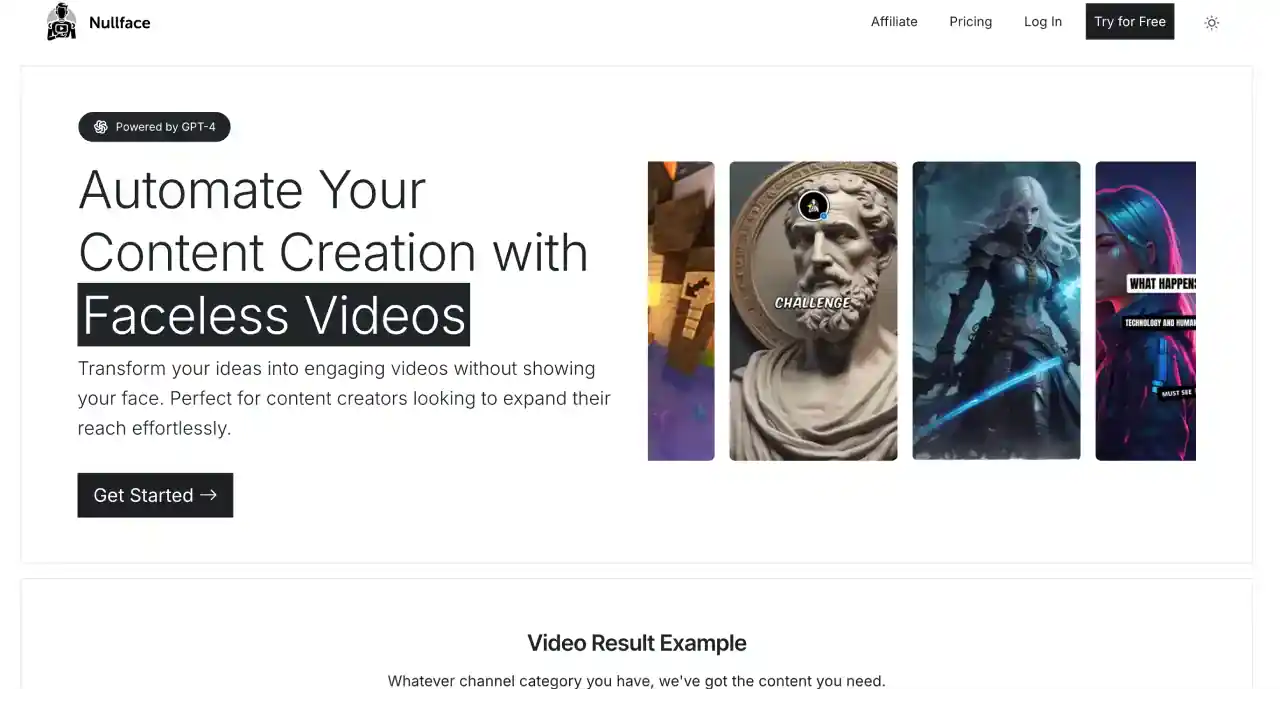
Key Features of NullFace.ai
- AI-Powered Text to Video Conversion
NullFace.ai turns your written content into videos without any hassle. This is super helpful if you want to create content quickly but don't want to show your face on camera. - Customizable Templates
You can choose from lots of different templates to match your brand's style. This helps keep all your videos looking consistent and professional. - Automated Voiceovers
NullFace.ai adds AI-generated voiceovers to your videos, so you don't have to record anything yourself. The voices sound pretty natural too. - Multi-Platform Compatibility
While NullFace.ai focuses mainly on creating videos, it lets you export them for different social media platforms, so your content looks good wherever you post it. - Simple User Interface
The platform is really easy to use, even if you're not tech-savvy. You won't need to spend hours figuring out how everything works.
Autopilot Shorts vs. NullFace.ai
- Advanced Customization
Autopilot Shorts gives you more ways to make your videos unique, like picking specific art styles and voice models. This means you have more creative control over how your videos turn out. - Platform Flexibility
Autopilot Shorts can automatically post your videos to both TikTok and YouTube, which is great if you want to reach more people across different platforms. - Creative Control
With Autopilot Shorts, you can preview your videos and make changes before they go live. NullFace.ai is more automated, which is faster but gives you less control over the final product.
Who Can Benefit from NullFace.ai?
- Content Creators
If you want to make engaging videos without showing your face, especially if you prefer a quick and simple process, NullFace.ai is perfect for you. - Marketers
NullFace.ai is great for marketers who need to turn text into video content quickly to boost their marketing strategies. - Businesses
If your company wants to use video for communication or marketing, NullFace.ai can help you create content efficiently without a big production team.
NullFace.ai Pricing
NullFace.ai has several pricing options depending on what you need:
- Free Plan: You can create a limited number of videos with basic features, but they'll have a watermark.
- Basic Plan ($15/month): This gives you more templates and customization options - good if you're just getting started.
- Pro Plan ($45/month): You get advanced features and better quality videos, which is ideal if you're creating content professionally.
- Business Plan ($75/month): This is for heavy users who need premium features and want priority support.
Alternatives to NullFace.ai
Check out Autopilot Shorts if you want more customization options and the ability to post to multiple platforms. There are other video tools out there too, but they don't have all the cool features that Autopilot Shorts offers.
Conclusion
NullFace.ai is a solid choice if you want a simple way to create faceless videos from text. It's easy to use and gets the job done quickly. But if you need more control over how your videos look and where they're posted, Autopilot Shorts might be better for you with its advanced customization options and ability to post directly to multiple platforms.