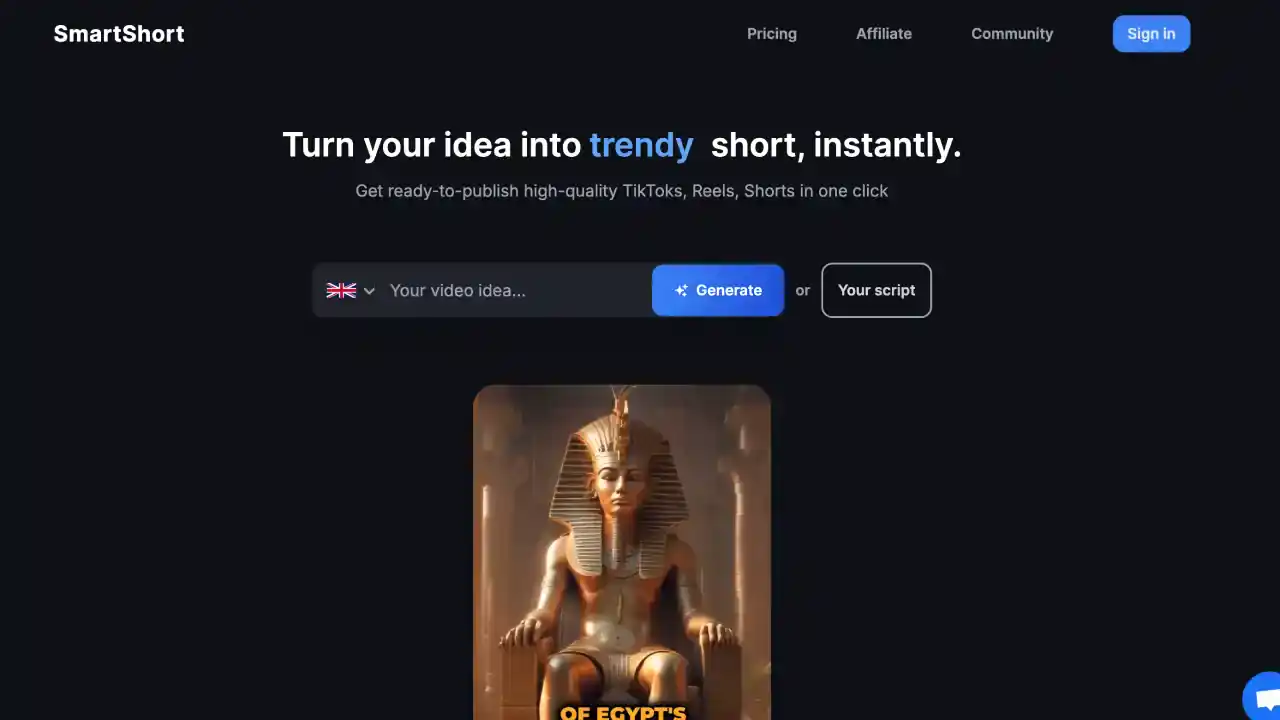
Key Features of SmartShort AI
- AI-Powered Text to Video Conversion
SmartShort AI makes creating videos super easy - just type your content and it transforms it into a video. This is perfect when you need to make videos quickly without the headache. - Customizable Templates
You can pick from different templates to match what you're going for. SmartShort AI gives you basic customization like adding text and changing colors to match your brand. - Social Media Integration
SmartShort AI connects with platforms like TikTok, Instagram, and YouTube, so you can share your videos directly without extra steps, making your social media strategy smoother. - AI Voiceover Integration
The platform adds AI voiceovers to your videos, so they sound professional without you needing any fancy recording equipment. - Quick Video Production
SmartShort AI is built for speed - create and publish videos fast, which is exactly what you need when you're on a tight deadline.
Autopilot Shorts vs. SmartShort AI
- Advanced Customization
While SmartShort AI covers the basics, Autopilot Shorts goes much further with options like different art styles, voice models, and manual editing. This gives you way more creative control over your videos. - Platform Flexibility
Autopilot Shorts can automatically post your videos to both TikTok and YouTube, making it easier to reach more people across different platforms. - Creative Control
With Autopilot Shorts, you can preview your videos and make changes before they go live. SmartShort AI is more about getting things done quickly, but you have less control over the final result.
Who Can Benefit from SmartShort AI?
- Marketers
If you're a marketer who needs to turn text into engaging videos quickly to boost your campaigns, SmartShort AI is a great fit. - Content Creators
Perfect for creators who want to make good videos without spending hours editing, especially if you're not a tech wizard. - Small Businesses
If your business wants to use more video content but doesn't have the time or resources for complicated editing, SmartShort AI makes it doable.
SmartShort AI Pricing
SmartShort AI has different pricing options depending on what you need:
- Free Plan: You can create a few videos with basic features, but they'll have a watermark.
- Basic Plan ($15/month): This gives you more templates and customization options - good for casual creators.
- Pro Plan ($35/month): You get advanced features and can make more videos - better for people who create content regularly.
- Business Plan ($60/month): Built for teams or businesses with multiple users, with premium features and priority support when you need help.
Alternatives to SmartShort AI
Check out Autopilot Shorts if you want more control over your videos and better cross-platform support. There are other video tools out there too, but they don't have all the cool features that Autopilot Shorts offers.
Conclusion
SmartShort AI is great if you want a simple, fast way to create short videos. It's super user-friendly and gets the job done quickly. But if you need more control over how your videos look and where they're posted, Autopilot Shorts might be better for you with its advanced customization options and flexibility across platforms.